Are you also curious why the computer doesn’t have drive A or drive B, and the system drive is usually drive C? On this topic, we will discuss the reasons why the computer doesn’t have drives A and B.
The Reasons Why the Computer Doesn’t Have Drives A and B
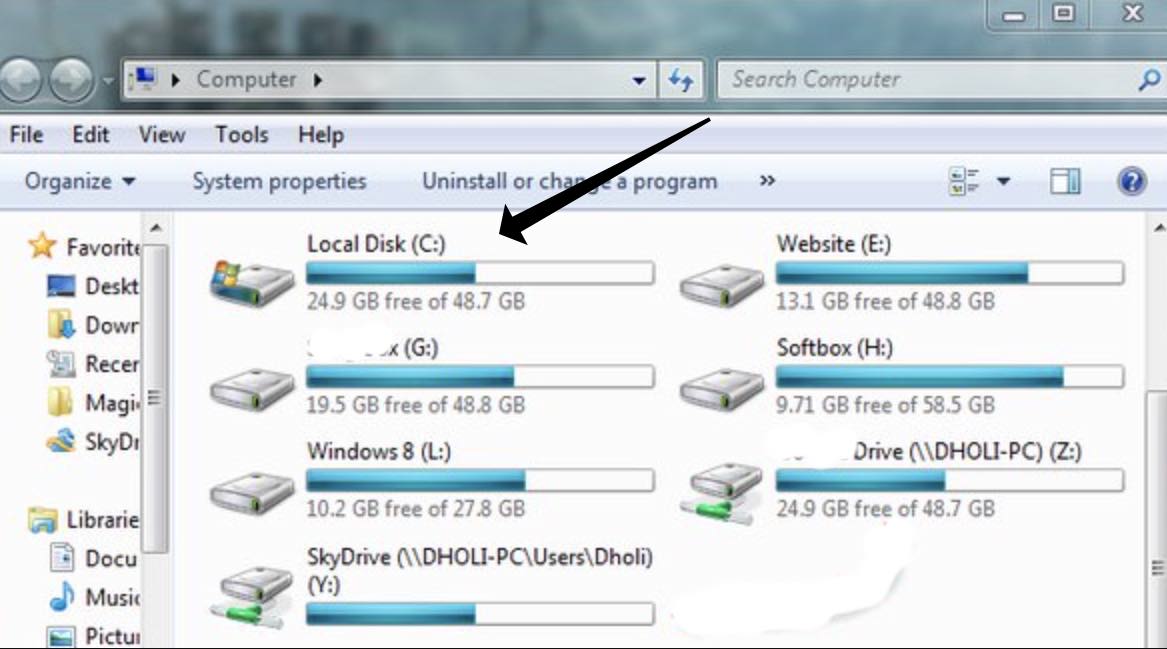
As you can see from the image above, the system drives start from the letter “C.”
I gathered data from my older relatives and physical inspections of some computer hardware, in addition to some online sources.
One of the major reasons why Windows computers started calculating system characters from Drive C is because Drive A and Drive B are equipped with 3.5-inch floppy disks and 5-inch floppy disks.

The floppy disk was born before the hard disk. At that time, the computer did not have a hard disk (hard storage), but only a floppy disk and memory if your data was not stored in the floppy disk before there was a power outage! All the information will disappear into thin air.
The hard drives that appeared later were naturally named from the C drive. 5-inch discs were introduced earlier than 3.5-inch discs.
Why Are Drive Letters A and B Reserved On A Computer?
Everyone got the answer right on “floppy disk,” but they didn’t say why the two drive letters A and B were reserved, which shows.
Basically, computers had two floppy drives before hard drives became popular! There were 5-inch disks first, and the size of floppy disks decreased with the increase in magnetic storage density.
In the earlier period, when computers were not widespread, there were even larger 8-inch disks.

Disk A and disk B are not necessarily one 3-inch and one 5-inch. There is no requirement to use A for 3-inch and B for 5-inch. It can be two 5-inch or two 3-inch.
Since there is not one 3-inch and one 5-inch, why must two floppy drives be kept?
This is what people in the hard disk era cannot figure out.
Brief History Of How The Flobby Drives Were Assigned
In the era before hard drives, you had two floppy disks, one of which contained 1M of data, and you wanted to copy it to the other floppy disk, and the memory was 640K.
The floppy drive cable has two ports: drive A and drive B (sometimes, it must be set with a jumper). When you plug a 3-inch or 5-inch drive into the port, drive A or B will appear.
A or B depends on which socket you plug it into. It’s a bit like today’s SATA. Plugging in an optical drive is similar to a hard drive.
Now, seeing the floppy drive socket on the motherboard is difficult.
Computers in the early years were equipped with 1-2 floppy drives, including 5.25 and 3.5, which occupied the A and B drives, but the C drive may not be available.
Later, only one floppy drive was retained, and the B drive was gone. Later, the floppy drive was no longer standard, and drives/ports AB were left idle.
If you want, you can allocate A or B to the hard disk in the disk manager, and there is no problem.
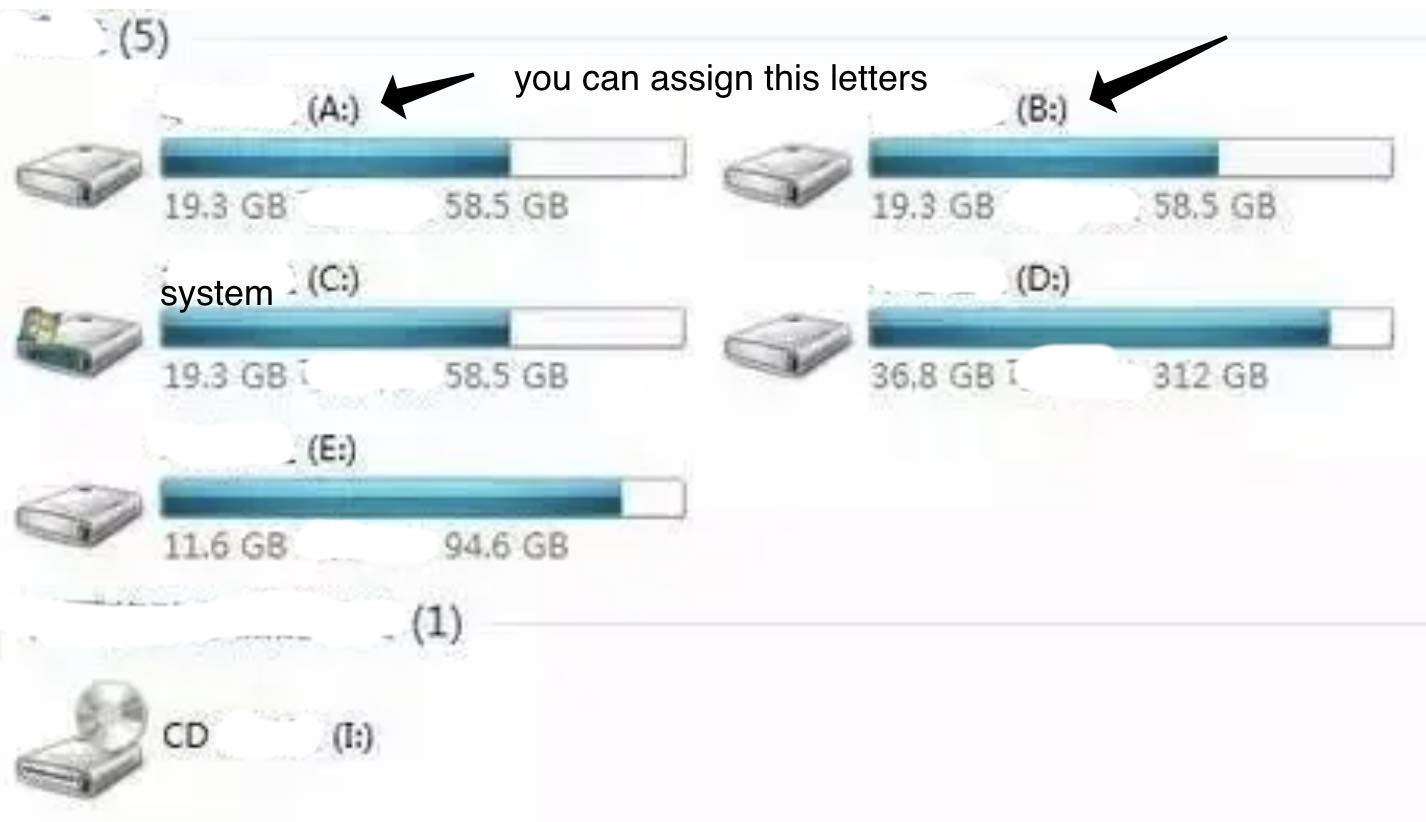
You can substitute the A and B drive letters – you can still assign these two drive letters.
It is still also possible to reserve a 3.5 floppy drive in the server for driver installation, so A and B are always reserved by default.
Below is a very Old Computer, Floppy drive and Cable:
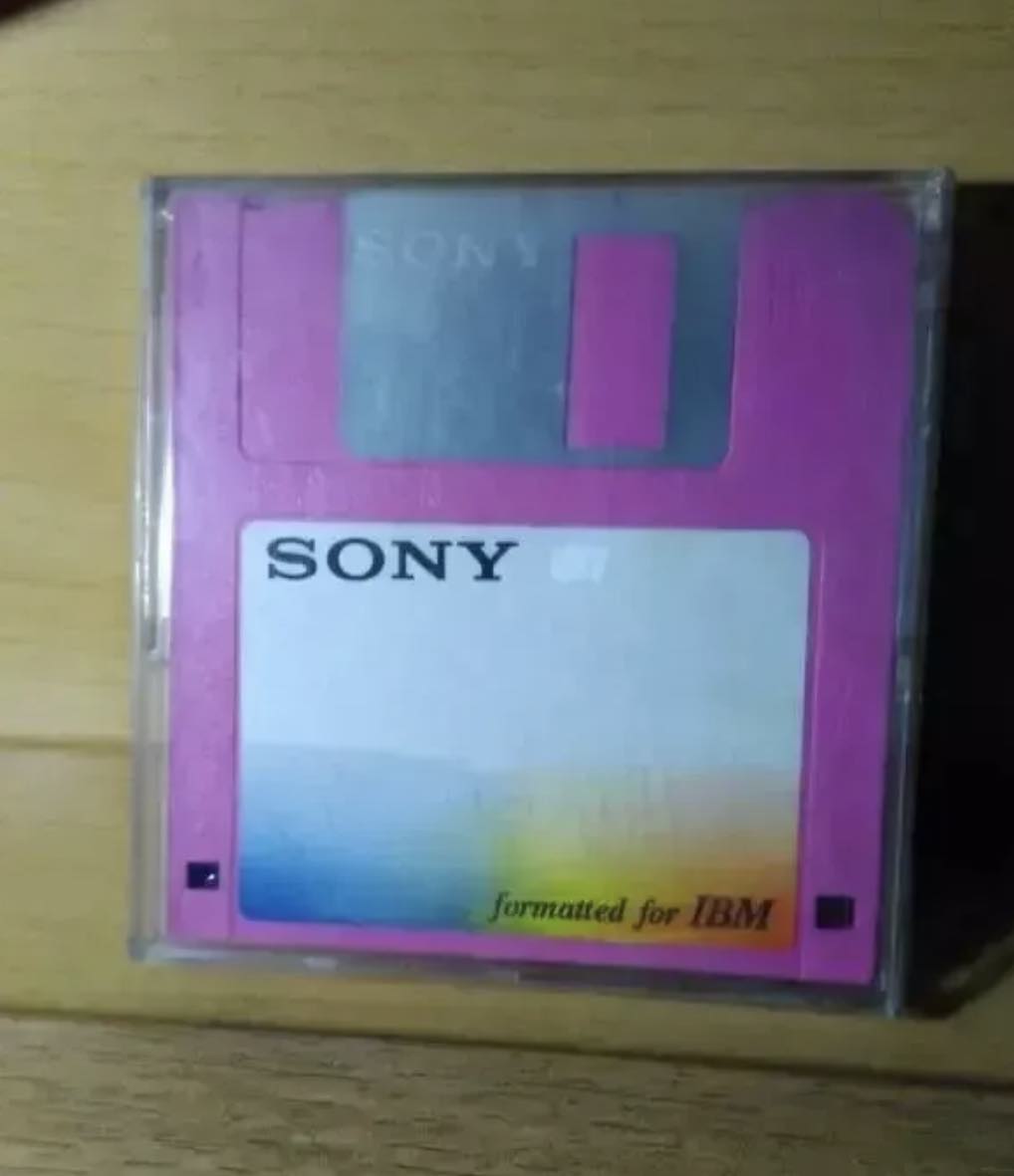
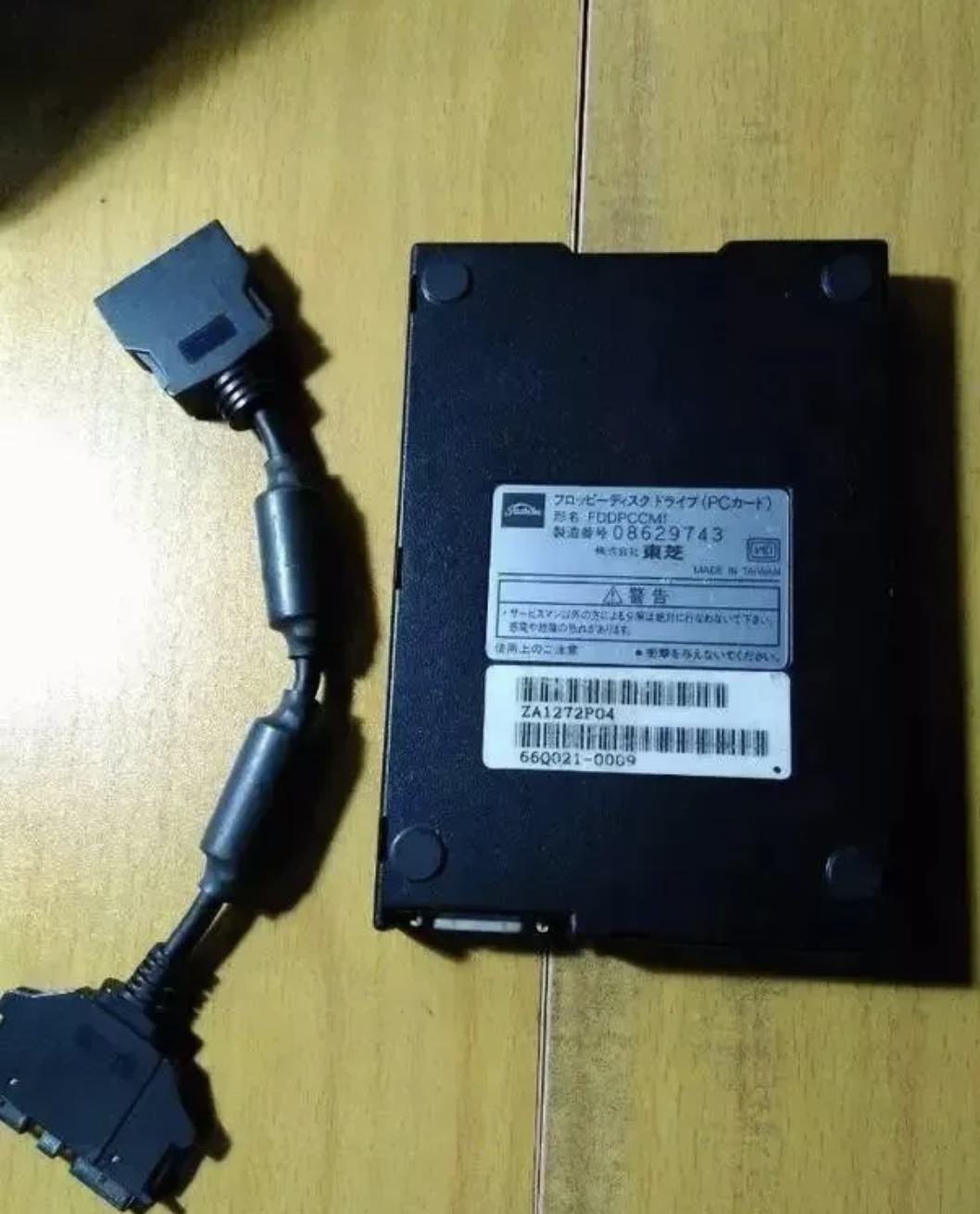
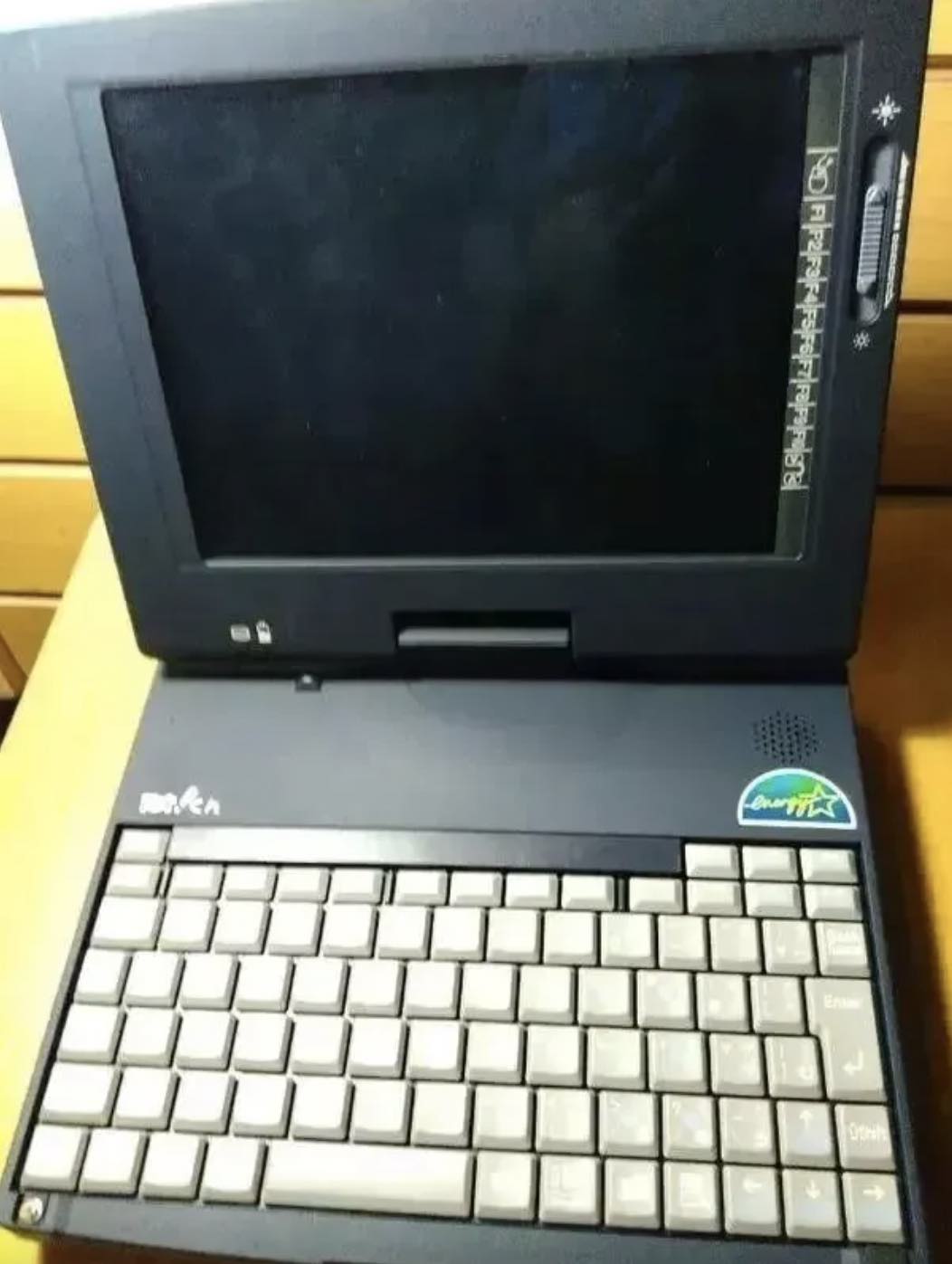
I think of the computers I used back then, which had 2MB of memory! The hard disk is 200MB! If you want to play a basic computer game, you need to configure your own boot configuration and remove all useless configurations.
At that time, there were both A disks and B disks. Generally, A disk was a 5.5-inch floppy disk. It was really a “soft” disk.
It was a palm-sized plastic disk covered by a paper sleeve. Each disk could hold hundreds of K of files. Drive B is also a “floppy disk”, but it is usually 3.5 inches, with a plastic hard case on the outside, and holds 1.44MB files.
At that time, some talented people equipped a 4M memory, 500M, etc.
My brother told me that In 1992, when he first used floppy disks (5-inch disks), a 100MB hard drive was so expensive.
The two A and B floppy drive interfaces are distinguished by twisting parts of the cable. I remember it was over nine to seven.
Conclusion
“I took an old floppy disk and showed it to my 12-year-old nephew. He said: Wow, cool! You 3D printed a [Save] icon! “
Dear floppy drives, although you have withdrawn from the stage, humans will never forget you
…Goodbye, floppy disk!
I think except the earliest personal computer like the radio shack TRS 80, 8 inch drives were very rare on personal computers. 5.25 came first then transitioned to 3.5 due to more storage, protective shell, and a button to lock the diskette for read only. We used to have disk doublers using a punch that let you use the other side of the 5.25 diskettes. You could also put a piece of tape over the notch to make it read only on the 5.25.