In recent years, security threats and attacks against mobile phones have become increasingly frequent. All kinds of malicious programs, online fraud, and privacy theft happen around us every day. Today, I will be discussing nine tips to keep your mobile phone safe.
Here Are Nine Tips to Keep Your Mobile Phone Safe
According to data released by the “China Mobile Security Status Report 2022”, a particular security software intercepted about 24.079 million new malicious program samples on the mobile terminal throughout 2022, intercepted about 13.22 billion malicious program attacks, and identified and intercepted various types of spam calls. Approximately 23.39 billion phone calls were made.
Data from Kaspersky Lab also shows that from January to September 2022, the number of spyware attacks on user smartphones worldwide reached 800,000 times, a year-on-year increase of 29%.
Read Also:
Faced With Such a Severe Situation, How Should We Protect Mobile Phone Security?
Today, I will provide you with some practical suggestions.
1. Use Passwords Appropriately

The mobile phone password is the most basic, important, and effective security protection method and must be set.
Many middle-aged and older people mobile phone users lack security awareness and are not familiar with the operations, so they do not set a password. It is recommended that relatives and friends around you provide assistance and guidance.
When setting a digital password, try to use a complex password. Do not use simple passwords such as “123456” and “666666”. Also, try not to use your birthday as a password.
Others can easily leak numeric passwords and pattern passwords, so it is recommended to use biometric passwords (fingerprints, facial recognition). Fingerprints are the best, but facial recognition has too many restrictions.
It is recommended to use different passwords for commonly used apps (low-security level) and essential apps.
Many major mobile phone manufacturers now provide password manager applications to uniformly manage passwords for various apps, which can be used appropriately, reducing the burden of remembering passwords.
For important App applications (such as game accounts and bank accounts), it is recommended to change passwords regularly, or you can use special password tools, such as NetEase General Order, etc.
2. Strengthen Software Management and Control
In terms of mobile phone operating system software, the operating systems of major mobile phone manufacturers are now relatively mature, highly secure, and less prone to problems.
In the past, people often flashed their phones to get rid of third-party systems, which was very risky and easy to install Trojans, backdoors, and viruses.
Thankfully, there are relatively few such apps now. What often causes problems is application software.
Prevent Malware Attack:

Never install apps from unknown sources!!! Try to install apps through the app store(e.g, Play Store or Apple Store) that comes with your phone. Some apps will ask you to install other apps. It is recommended to turn off this permission at all times.
When applying App permissions, be careful and authorize as little as possible. Permission to read and write files is the most sensitive; exercise caution when giving this type of permission.
Apps that apply for permissions indiscriminately should be deleted resolutely. It is strongly recommended not to install unknown software.
3. Anti-Fraud/Anti-Spam
Do not answer calls from unknown sources, do not read text messages, and do not click on links. These are all basic operations.
Don’t click on the inexplicable news or freebies links you receive via chat messengers or SMS. Do not click on any links to vote or complete an unsolicited survey.
Most mobile phone systems now have a spam robocall identification function that can be turned on. If you receive a harassing call, you can mark it and contribute. Some mobile operators also have a spam-blocking function, and it is recommended to enable it if possible.
Other Ways to Prevent Phone Number Leaks and Harassing Calls:
- Prepare a secondary SIM card/eSim that is rarely used. When you fill in random information, fill in the secondary card number. Especially in situations such as buying and renting a house, renovating, and buying building materials, try not to use your primary number. Otherwise, you will be repeatedly disturbed by promotional calls and offers. After the rental and renovation are completed, the number can be canceled. This way, the main number is not exposed.
- Alternatively, use VOIP phone numbers. A cloud phone is equivalent to a virtual phone with an independent number and the ability to install applications such as WhatsApp, telegram, etc, separately, which is equivalent to creating another identity for yourself.
4. Install Regular Mobile Anti-Virus
Use the system’s or industry-renowned security software to protect your phone.
Regularly (once a month) conduct security scans of the entire mobile phone to eliminate hidden dangers.
5. Network Security
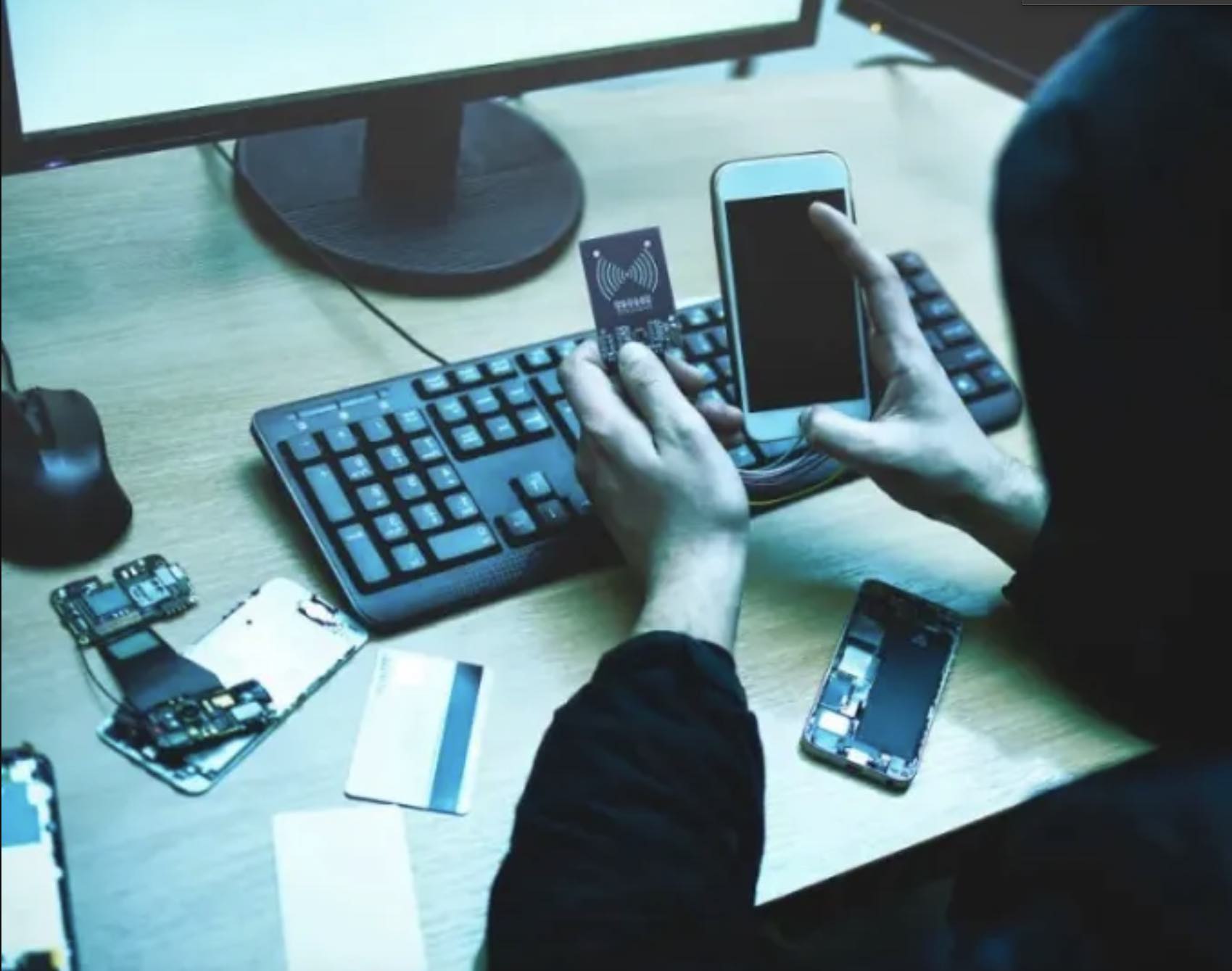
In terms of network security, currently, cellular mobile communication networks such as 4G/5G are very secure and are not prone to problems.
The threat of fake base stations currently only exists for 2G GSM networks. Nighttime is when pseudo-base station attacks are most likely to occur. It is recommended to turn off the phone or turn on airplane mode at night.
Compared with operator networks, short-range wireless technologies such as Wi-Fi, Bluetooth, and NFC are more likely to cause problems.
Wi-Fi in public places is not trustworthy, so try not to connect to it. For your home or company Wi-Fi, you must set up a complex access password and administrator to prevent network intrusion and hijacking.
Try to turn off the Bluetooth and NFC functions of your mobile phone, as well as some functions like airdrop (airdrop) when not in use.
6. Privacy Protection Tips On Mobile Phones
- When it comes to privacy protection, we must have a sense of protection.
- When chatting, do not reveal personal information at will (especially to strangers or new friends).
- Also, when posting on STATUSES, try to avoid exposing your address and whereabouts. Sometimes, what you think is a simple photo, others can interpret a lot of information.
- When sending photos, delete the EXIF metadata(parameter attributes of the picture). These sometimes contain information such as shooting devices and shooting locations and can also be used by people with ulterior motives.
- In the chat history, avoid the word “password” to avoid being searched. Even if you send a password to someone, it is recommended that you quickly retrieve it locally after the other party has seen it.
- Be careful when adding friends. Don’t save the contacts of unfamiliar faces.
- It would be best to learn to use the system’s built-in encrypted folder function to encrypt and hide important data.
- Cloud synchronization functions are now standard, but they can also easily leak privacy. When deleting local files and photos, consider whether the deletions are synchronized in the cloud.
Data and Identity Theft Prevention.
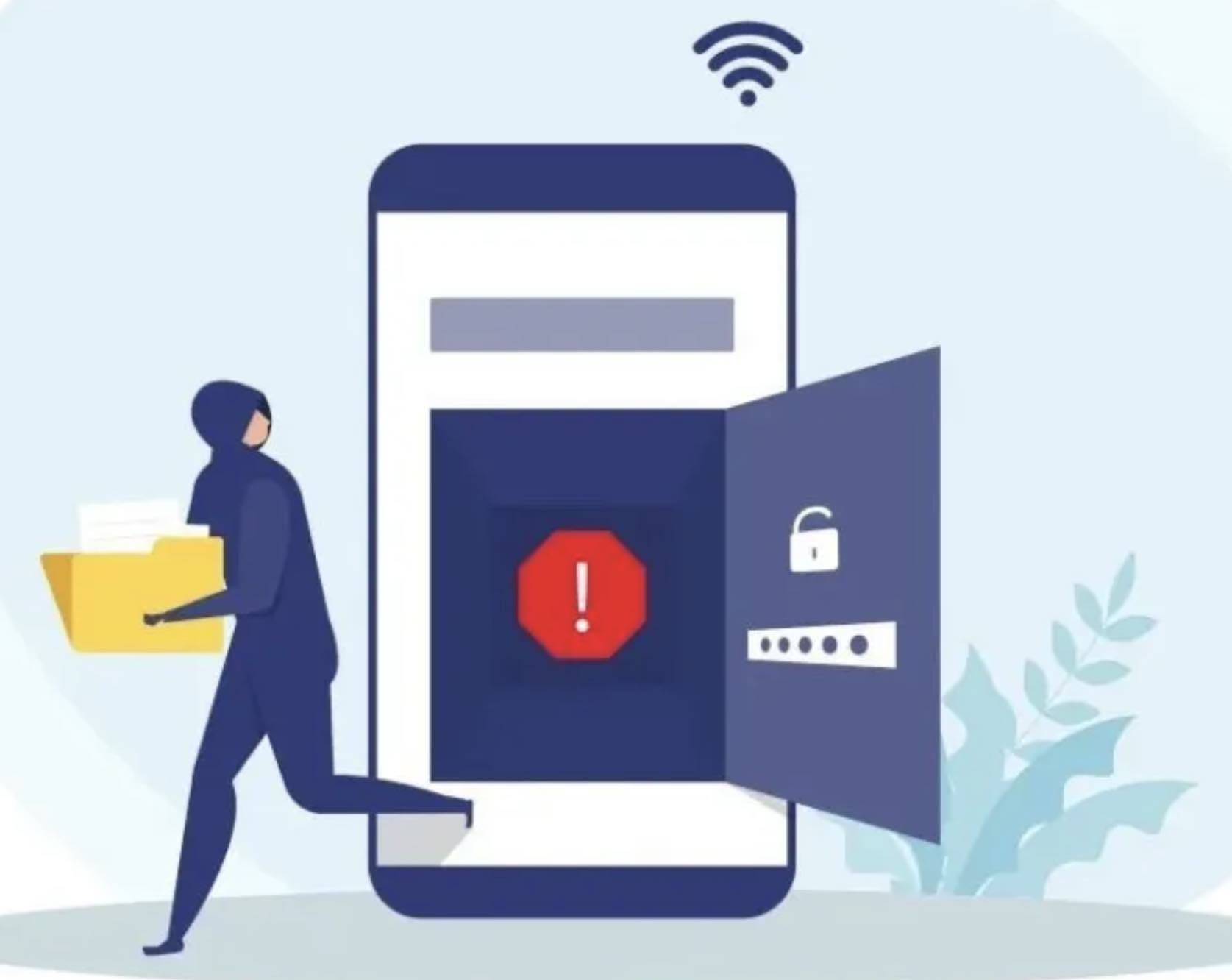
One more thing: everyone must protect their privacy when making phone calls. Walls have ears, and important information must be prevented from being overheard by others.
Nowadays, many mobile phone receivers have serious sound leakage. During a call, the other party’s voice can be heard even around you. If this is the case with your phone, it is recommended that you turn down the volume of your earpiece when speaking around someone in a very quiet place.
It is even more undesirable to blindly activate the speaker when making a phone call in public.
7. Dealing With Lost Mobile Phones
- Once your mobile phone is lost, report the mobile phone number as soon as possible to prevent the other party from receiving verification code text messages.
- The payment functions of mobile phones and banking and financial apps should also be frozen by calling customer service as soon as possible.
- It is recommended to turn on the mobile phone lost and function in advance (the system cloud account password bound to the mobile phone must be complex and remembered to prevent it from being cracked).
- It is also recommended to regularly back up mobile phone data in the cloud to prevent data loss if the phone is damaged or lost.
- If you really can’t find your phone, be sure to log in to the phone manufacturer’s cloud platform to erase data remotely.
- When changing phones, you must log out of the system account and initialize the phone (merely deleting the App is not enough). Or use reliable replacement software to erase the data.
8. Beware Of Children
Nowadays, many parents give mobile phones to their children to play with. This brings risks and pitfalls.
Children may click on links randomly, delete essential apps or data, send random Chat messages, or even send private photos.
At present, apart from educational guidance and dissuasion, there is no suitable protection method.
I have seen mobile phone manufacturers propose “guest modes” before, meaning when you use a specific password to log in to your phone, you can only open a few functions and not see private data such as photo albums. I think we can consider adopting this.
9. Explore Mobile Phone Security Features
After you buy a new mobile phone, you should pay more attention to the security and privacy protection functions that come with the mobile phone.
Nowadays, mobile phone manufacturers provide many technologies in terms of security.
Reasonable use of these security protection technologies (some apps and functions) provided by mobile phone manufacturers will not only facilitate the use of mobile phones but also improve the security of mobile phones.
Okay, the above are Xiao Zaojun’s suggestions for the safe use of mobile phones. If you do all this, your phone is safer than 99.99% of people.
Leave a Reply