Many computer-literate people are familiar with hard disk/hard drives. However, not everyone cares about the functions of the hard disk cache. Most people are only concerned with the writing speed and storage capacity. In this article, I will be discussing what hard disk cache does vis-a-vis four important functions of hard disk Cache.
Four Important Functions of Hard Disk Cache Fully Explained
1. Firstly, it acts on the “write action”. For instance, when the hard disk receives an instruction to write data, it will not immediately write it to the hard disk.
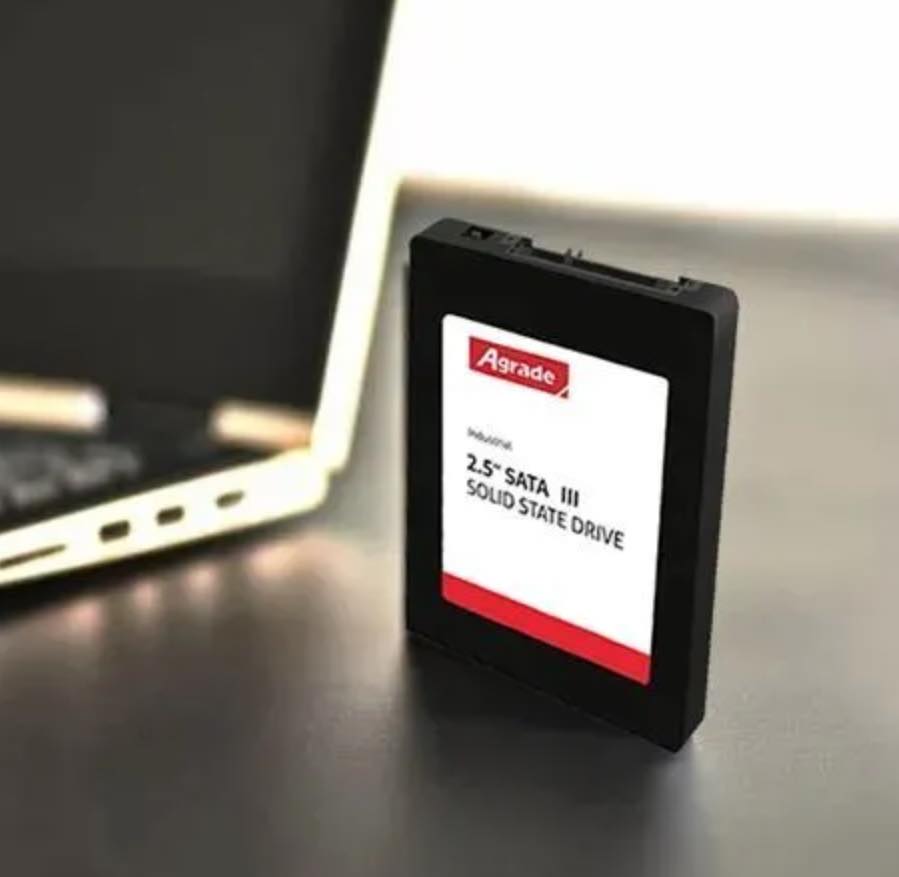
Instead, it will temporarily store it in the cache and then send the system a “data has been written” signal. The system will consider that the data has been written and continue to perform the following work, while the hard disk will write the data in the cache to the platter when it is idle (when not reading or writing).
Unfortunately, this inevitably brings security risks – if power is suddenly lost while the data is still in the cache, the data will be lost.
2. Pre-Reading Functions of Hard Disk Cache
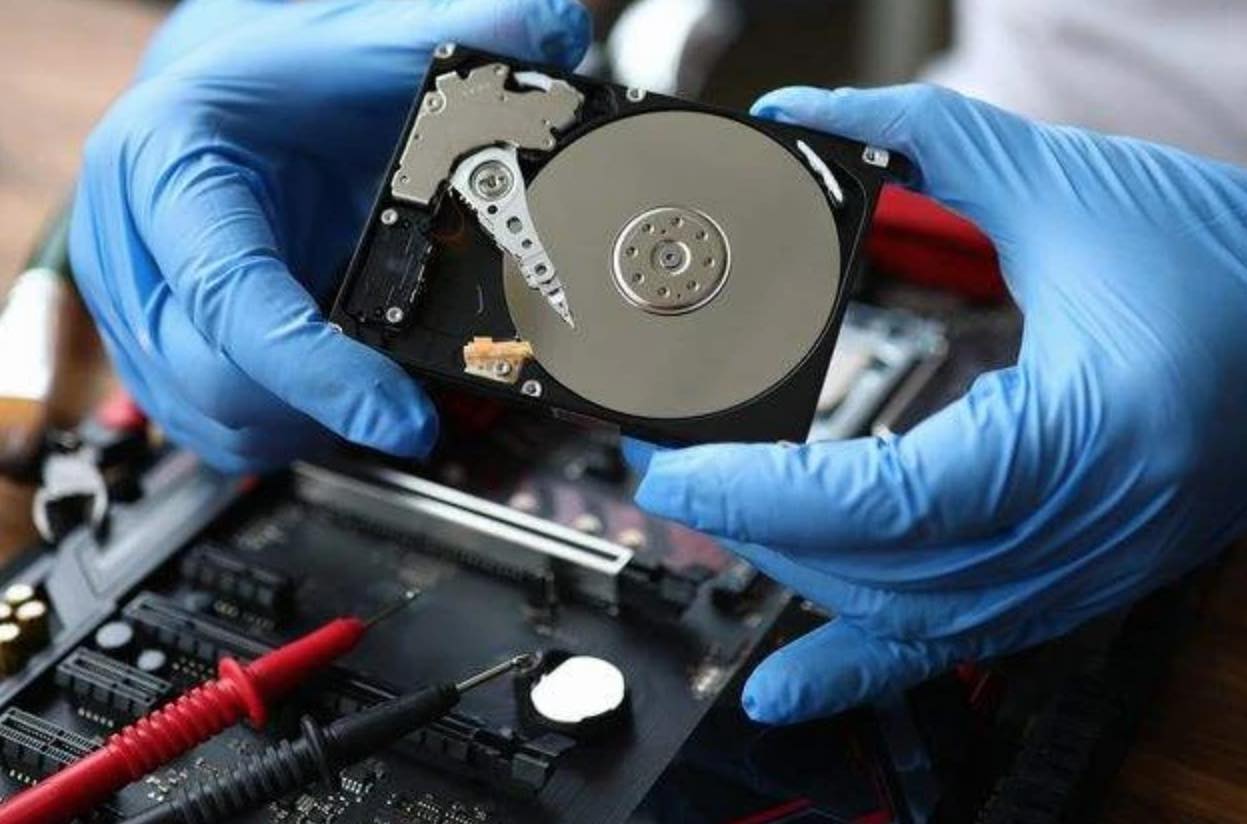
Secondly, it performs pre-reading functions. When the hard disk is controlled by the CPU to start reading data, the control chip on the hard disk will control the magnetic head to read the data in the next or several clusters of the cluster being read into the cache.
This is because the data on the hard disk is stored continuously. If the data in the following or several clusters need to be read, the hard disk does not need to re-read the data but only needs to transfer the data in the cache to the memory.
Since the speed of the cache is greater than the speed of the read and write of the magnetic head, it can significantly improve performance.
3. Stores Recently Accessed Data
Thirdly, it temporarily stores recently accessed data. Sometimes some data needs to be accessed frequently, and the internal cache of the hard disk stores some data that are read more frequently in the cache and can be directly transferred from the cache when the next read.
Read Also:
Add Solid-State Drive + These 3 settings, and Your computer can Run Smoother and Faster
7 Smart Ways to Create More Internal Storage Space on Android Devices
4. issue of caching algorithms
Finally, there is the issue of caching algorithms. If the algorithm is not good enough, the hit rate will not be high, so a large-capacity cache will be useless, and there will even be a speed drop problem.
In addition, it also depends on the single-disk capacity and speed of the hard disk itself. For example, for a mechanical hard disk with a continuous read and write speed of about 150MB/s and a single disk capacity of no more than 1TB, a cache of 64MB is enough, and 128MB is obviously a waste.
To be able to use a 128MB cache efficiently, you need a single disk capacity of more than 1TB and a continuous read and write performance of about 200MB/s 128MB cache. These are the instances where a big cache can complement hard disks with large storage.
Leave a Reply