More often than not, internet access in the living room is as fast as a shuttle but in the room as slow as a tortoise. Mobile Broadband has to a large extent sorted out the major misunderstandings of router placement for everyone. Join me as I take you through the nitty-gritty of how correctly position your wifi routers
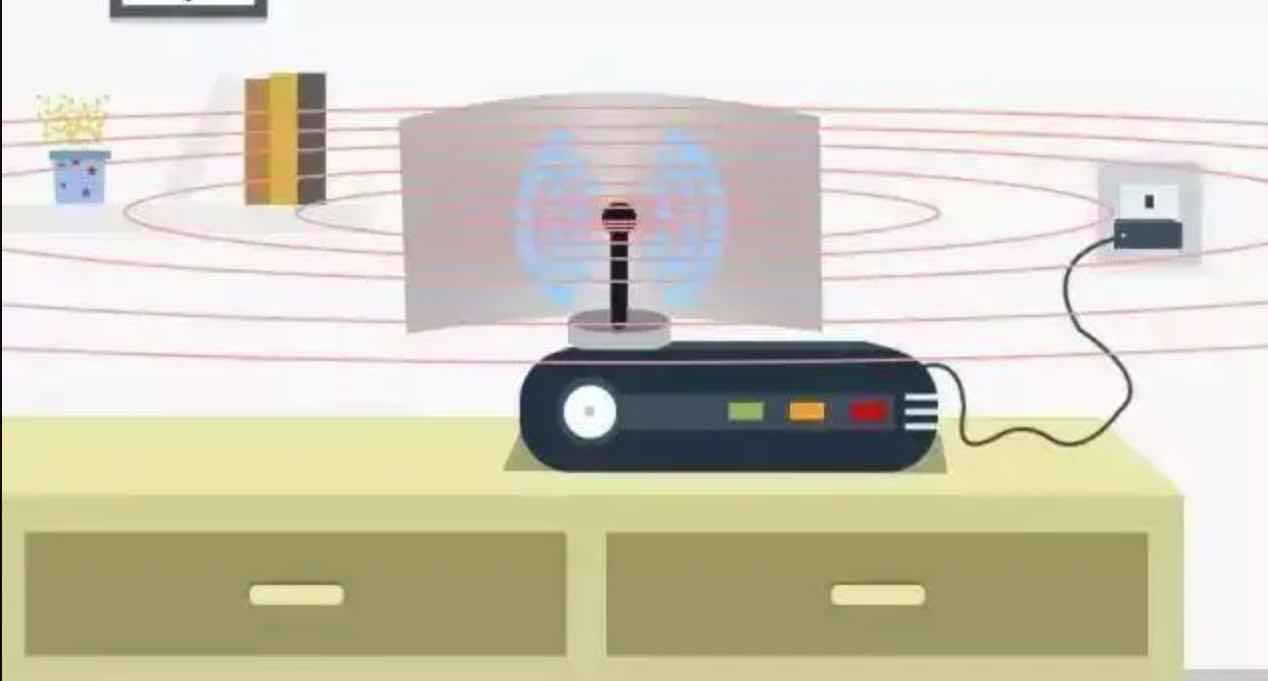
1. Put The Router in the Corner, and The Signal Plays Peekaboo
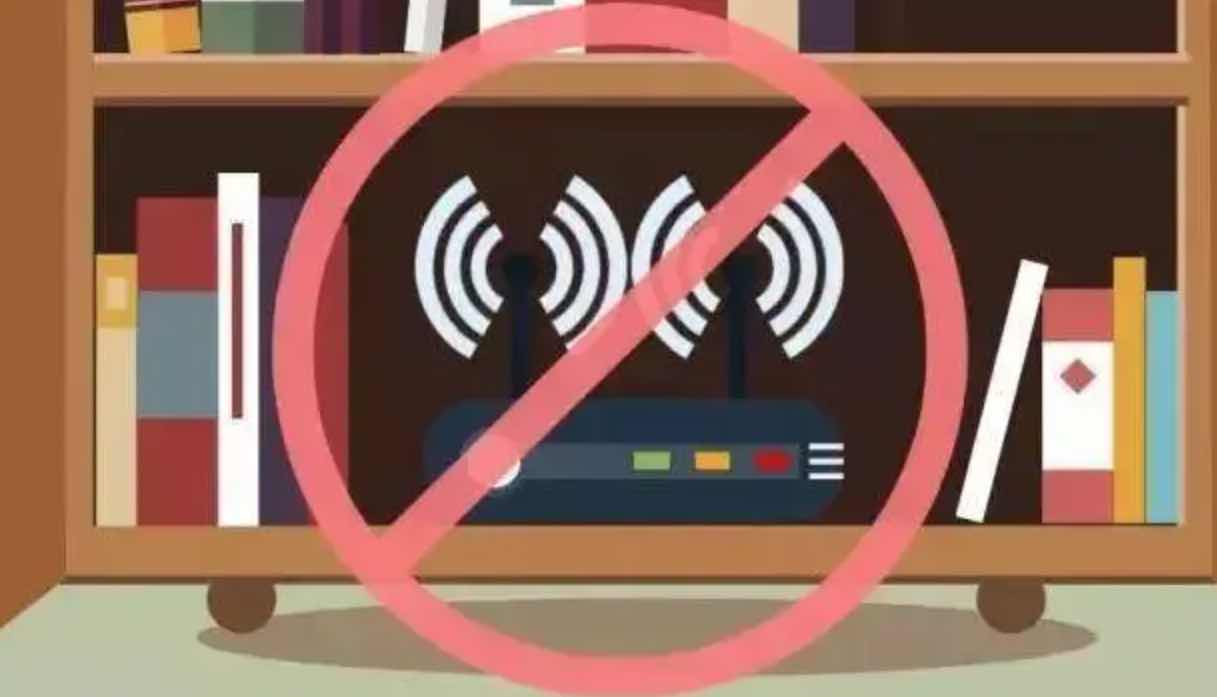
Place the router as far as possible to avoid corners, small corners cannot allow the router to fully let go of it! It should be placed in a spacious place as much as possible, such as the center of the living room, so the signal can be transmitted to every corner of the home.
2. If You Place The Router On The Floor, You May Mess With The Signal Strength

The floor material can easily absorb WiFi signals, and when the router sends the signal, it actually tunes it down. If you let the router sleep on the floor, it can only redirect the signal to the floor!.
You may also like my article on boosting your mobile network connection in areas with weak signals.
3. Avoid Installing Your Wi-Fi Routers Next to Home Appliances To Avoid Signal Continuing to Interfere
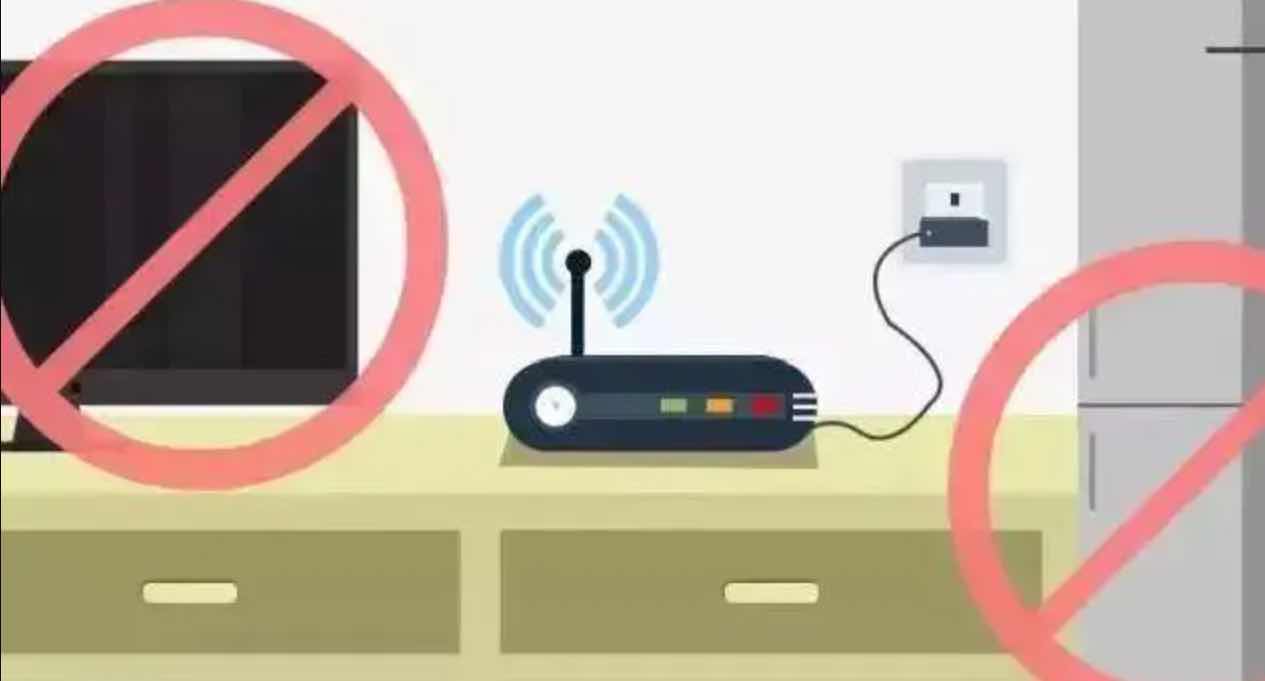
Keep the router away from home appliances because almost all products that use electricity will interfere with WiFi signals and affect network speed. Such appliances include but are not limited to your television, radio, refrigerator e.t.c.
How To Correctly Place Your Wi-Fi Router/Hotspot
1. Antenna Cross-Amplification, Good Signal Reception
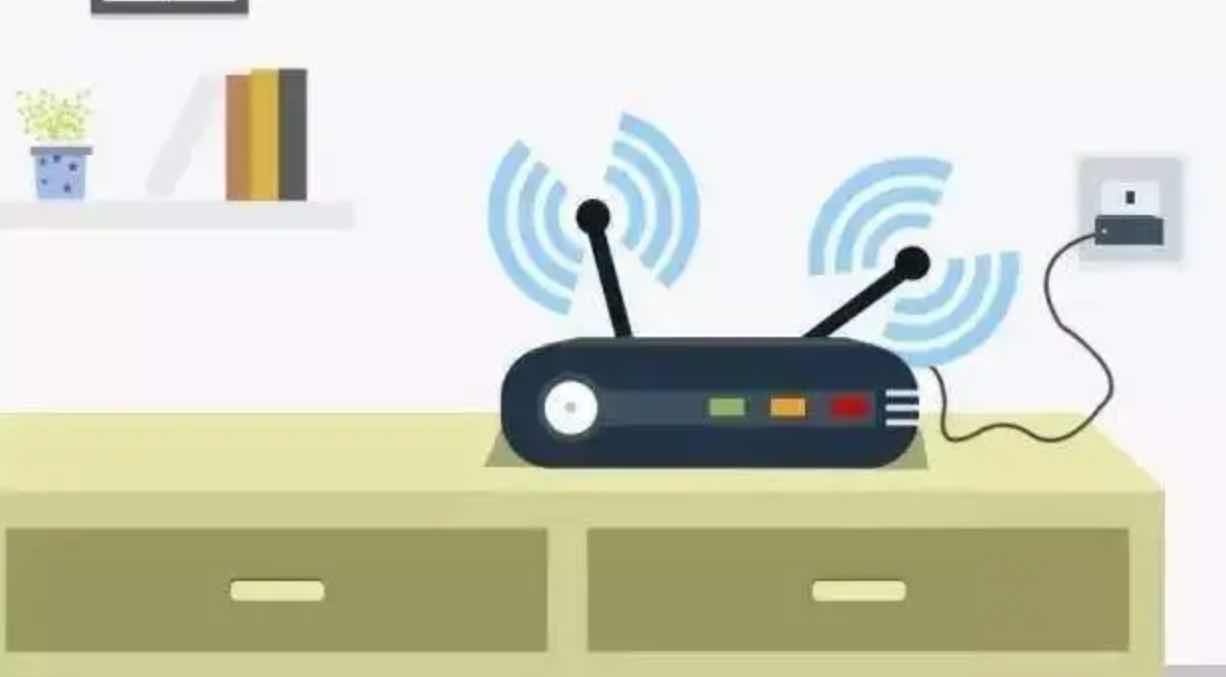
When the antenna inside the electronic product is parallel to the router’s antenna, the signal reception effect is best. Therefore, the antenna direction of the router is best determined by the placement of the electronic products, and the operation effect will be better!
2. Use Signal Amplifiers or WiFi Repeater to Widen Your Coverage
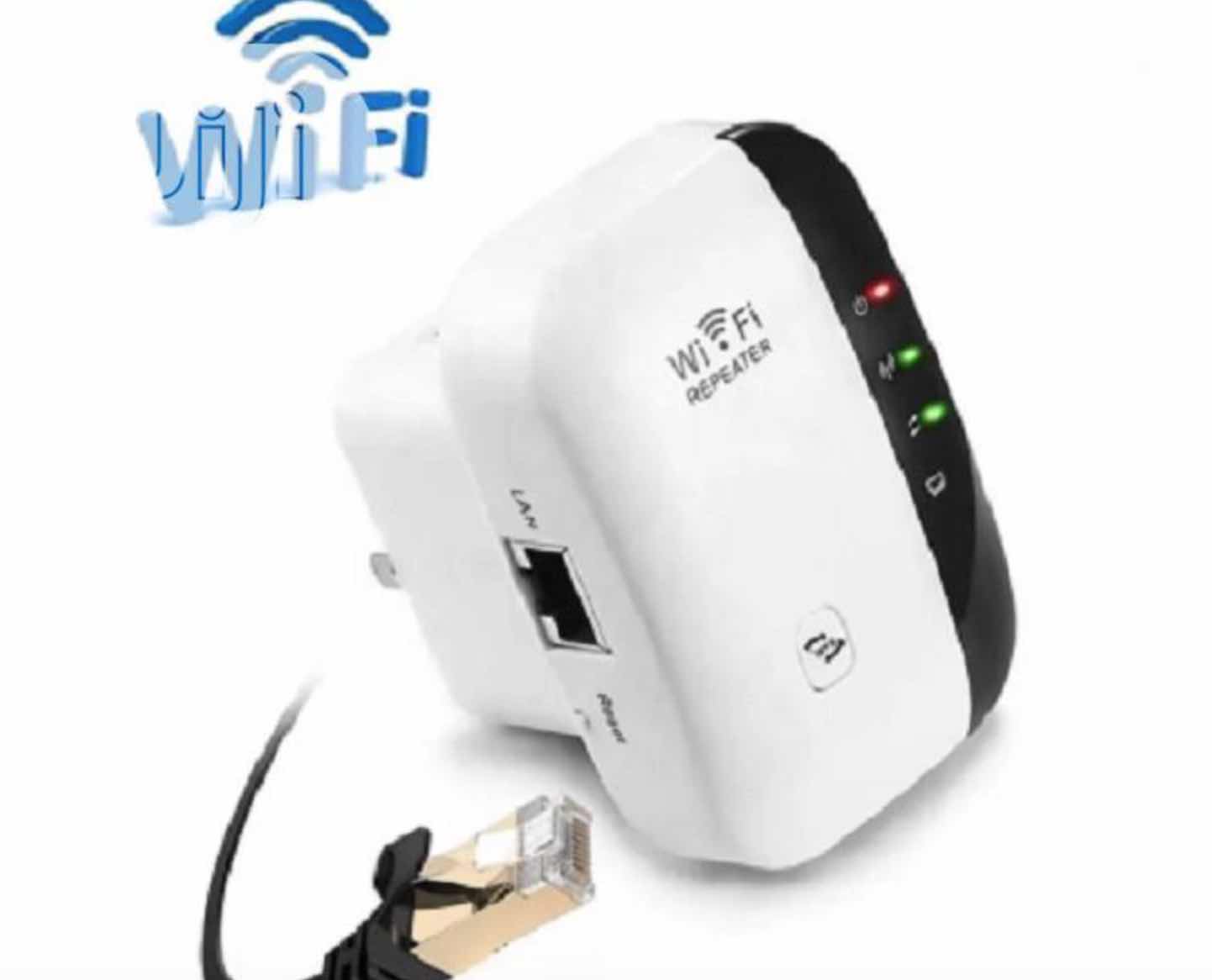
If the router at home has poor signal and small coverage, it is better to use repeaters and amplifiers to significantly increase the spread/coverage of WiFi connections. Alternatively, you can even use a can to make a simple amplifier!
3. Reset The Router Regularly and “Doze” After Working for a Long Time
If your router is too old, overheated, or has been running long, it will also reduce the signal coverage. Therefore, you can consider resetting the router at an appropriate time.
Furthermore, you can temporarily shut it down and let it rest. The signal will be more stable after the restart.
Leave a Reply